
Teacher workload
Subjects land on the teachers who are free to take them, so the weekly load is visible before the timetable is published.
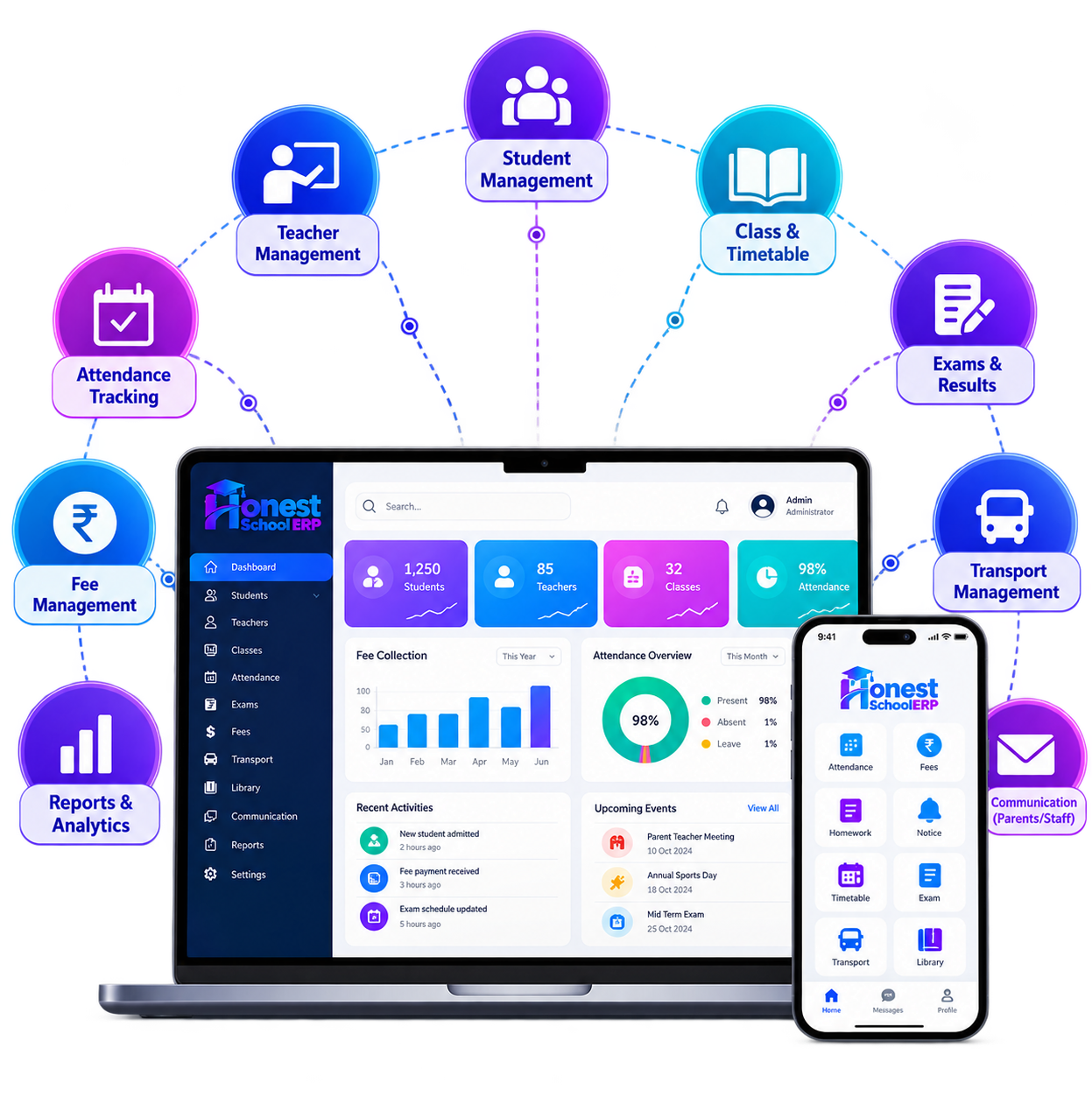
A timetable is a weekly plan for rooms, teachers, and classes. Honest School ERP builds that plan in software, warns when a teacher is already occupied, and publishes the result to the people who have to follow it.
Substitutions, breaks, and a guest lecture can be placed on the same schedule, and the calendar of the school stays connected to it.
Subjects land on the teachers who are free to take them, so the weekly load is visible before the timetable is published.
Departments and campuses can each have a timetable, with changes that do not overwrite another site's week.
When a teacher is away, a proxy can be set on that period instead of a verbal arrangement that never reaches the class.
The same schedule can be printed or opened as a teacher timetable, a class timetable, or a general report.
Lecture length and breaks follow the time the school defines, matched to when teachers are available.
A visiting lecturer can be placed on the timetable and run from the same schedule as the regular week.
Proven at scale
25+
Years Legacy
2,000+
Satisfied Clients
96%
Client Retention
40+
Modules
25,000+
Professionals Trained
15,00,000+
Students Managed
Why schools choose it
The weekly schedule is stored in software, not redrawn on paper each term.
Building the timetable takes less time than assembling it by hand.
Students and teachers open the schedule in the app.
Reports come from the timetable itself, so the printed copy matches the screen.
The timetable follows the school calendar.
Lecture assignments stay on record, which saves a second round of checking.
It is the class and teacher schedule: periods, subjects, rooms, proxies, and the published week for students and staff.
Less time assembling the week, fewer clashes, and a schedule people can open on a phone.
Attendance, substitution, and the school calendar read the same periods the timetable published.
A free period, a clash, or a proxy is visible before the class starts, instead of at the classroom door.
Teacher occupancy, class timetables, proxy settings, reports, and a way to place a guest lecture.
Yes. It is part of the same ERP as attendance, academics, and the staff record.
They open it in the mobile app or the portal, as well as from a report the office prints.
Occupancy is checked while the timetable is built, so a teacher is not given two rooms at once.
The week is reusable, the proxy is recorded, and the office is not maintaining a private copy of the grid.